Help guide
Everything about the ProtectMyMail Affiliate Program: joining, your dashboard and getting paid.
Getting started
What is the ProtectMyMail Affiliate Program?
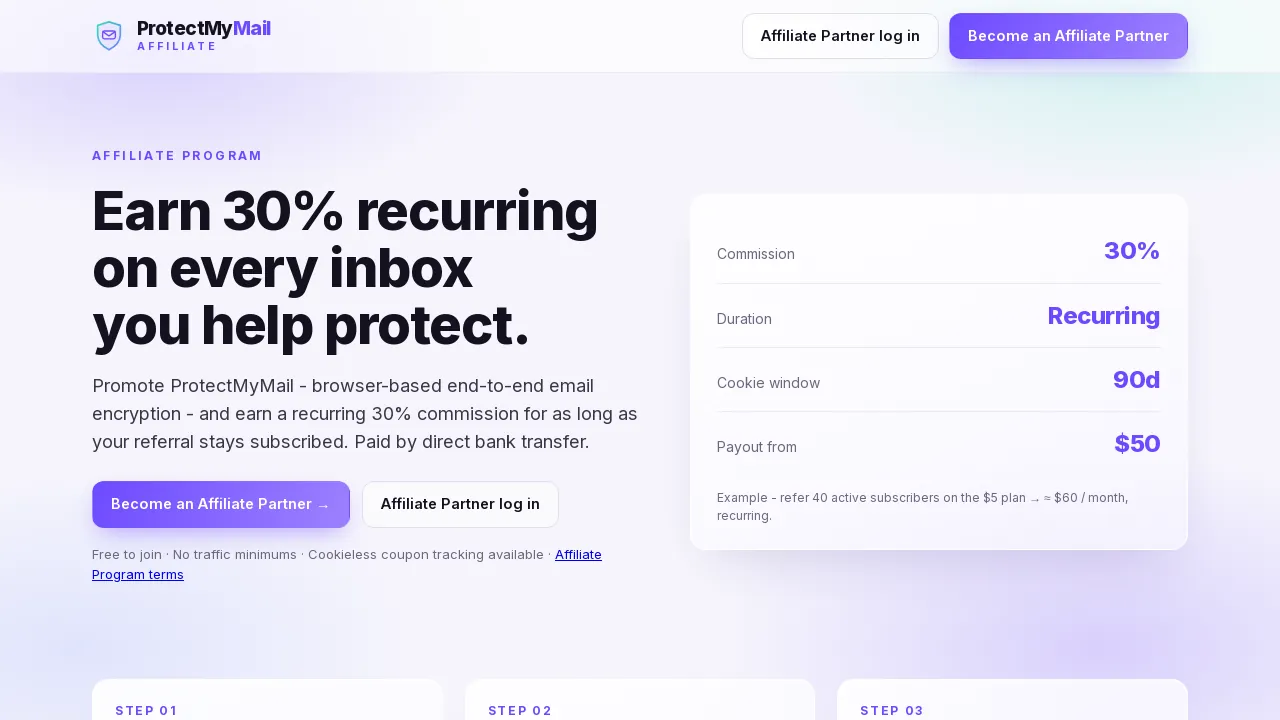
The ProtectMyMail Affiliate Program pays you for recommending ProtectMyMail, the browser-based end-to-end encryption for Gmail and Outlook.
You earn 30% recurring commission: 30% of every payment a customer you referred makes, for as long as their subscription stays active. One paying customer on the $5/month plan earns you $1.50 every month.
Joining is free, there are no traffic minimums, and payouts go straight to your bank account.
Who can join?
Anyone who is at least 18 years old and can enter into a binding contract. You do not need to be a ProtectMyMail customer.
If you join on behalf of a company, you confirm that you are allowed to act for it.
What are the two ways to join?
On the affiliate portal: fill in the short sign-up form and confirm your email address. This works for everyone.
From the ProtectMyMail extension: if you already use ProtectMyMail, switch on "send ProtectMyMail promo" and accept the terms. Your Affiliate Partner account is created from your ProtectMyMail login, with no second form.
Both ways lead to the same dashboard, the same referral link and the same commission.
Joining
How do I sign up on the portal?
Signing up is free and takes about two minutes.
- On the start page of the affiliate portal, click Become an Affiliate Partner.
- Enter your full name, email address, website or main channel, how you will promote ProtectMyMail, and a password.
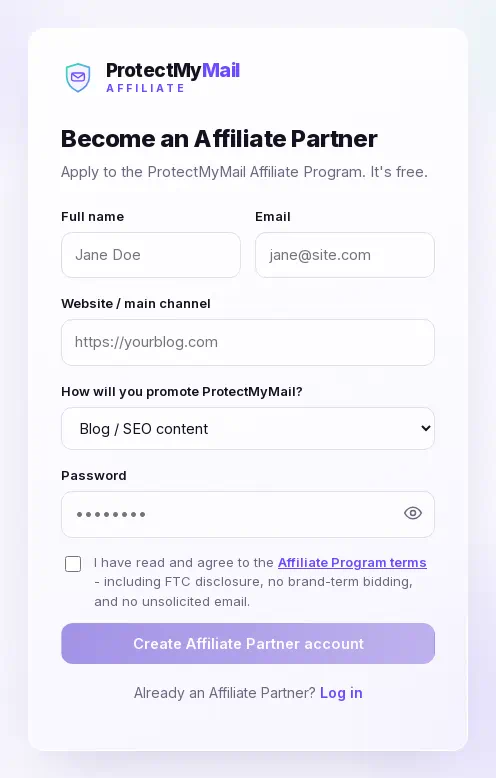
- Tick the box to accept the Affiliate Program terms, then click Create Affiliate Partner account.
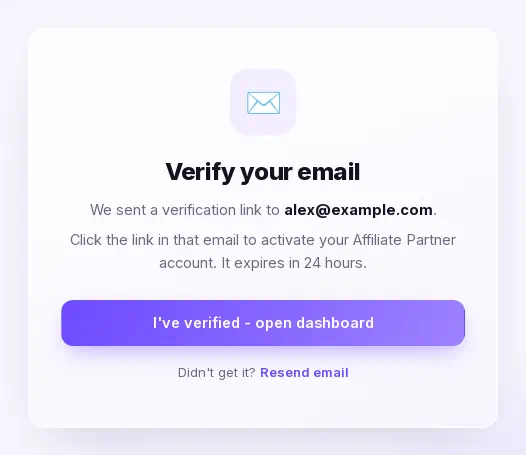
- Check your inbox: we send you a verification link.
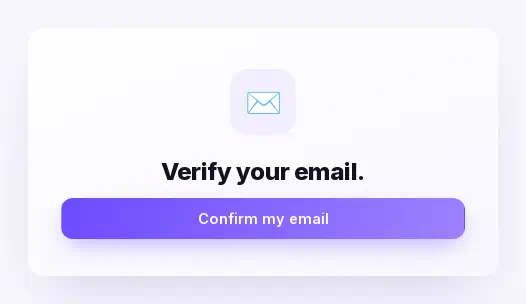
- Open the link and click Confirm my email. Your dashboard opens right away.
I did not get the verification email
The verification link is valid for 24 hours. First check your spam or promotions folder.
Still nothing? On the Verify your email screen, click Resend email. You can ask again after a minute.
If the link has expired or was already used, sign up again with the same address, or log in if your account is already active.
How do I join from the ProtectMyMail extension?
If you already use ProtectMyMail, you can join without filling in a form.
In the extension, switch on "send ProtectMyMail promo". The extension shows you the Affiliate Program terms; once you accept them, your Affiliate Partner account is created from your ProtectMyMail login and your dashboard opens, already signed in.
Your affiliate account uses the same email address as your ProtectMyMail account.
How do I open my dashboard from the extension? Do I have a password?
The extension signs you in to your dashboard with your ProtectMyMail login. The Open my dashboard button in your welcome email does the same; if you are not signed in to ProtectMyMail, it asks you to log in first. The link the extension opens works only once and only for a short time, so open the dashboard from the extension or the welcome email instead of saving that link.
An account created from the extension has no affiliate password yet. If you also want to log in on the web, open the log-in page, click Forgot your password? and enter the same email address. You will get a link to set a password.
How do I log in, and what if I forgot my password?
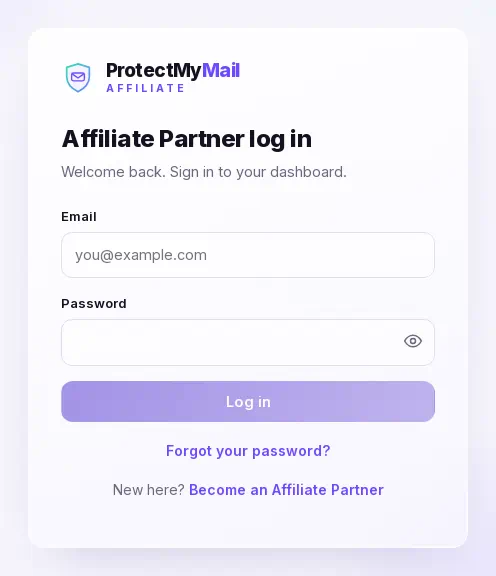
Log in on the affiliate portal with the email address and password of your Affiliate Partner account. It is separate from a ProtectMyMail customer account.
Forgot your password? Click Forgot your password? on the log-in page and enter your email address. The reset link works for 30 minutes.
For your security you are signed out after 24 hours without activity.
Your dashboard
What do the numbers on the Overview page mean?
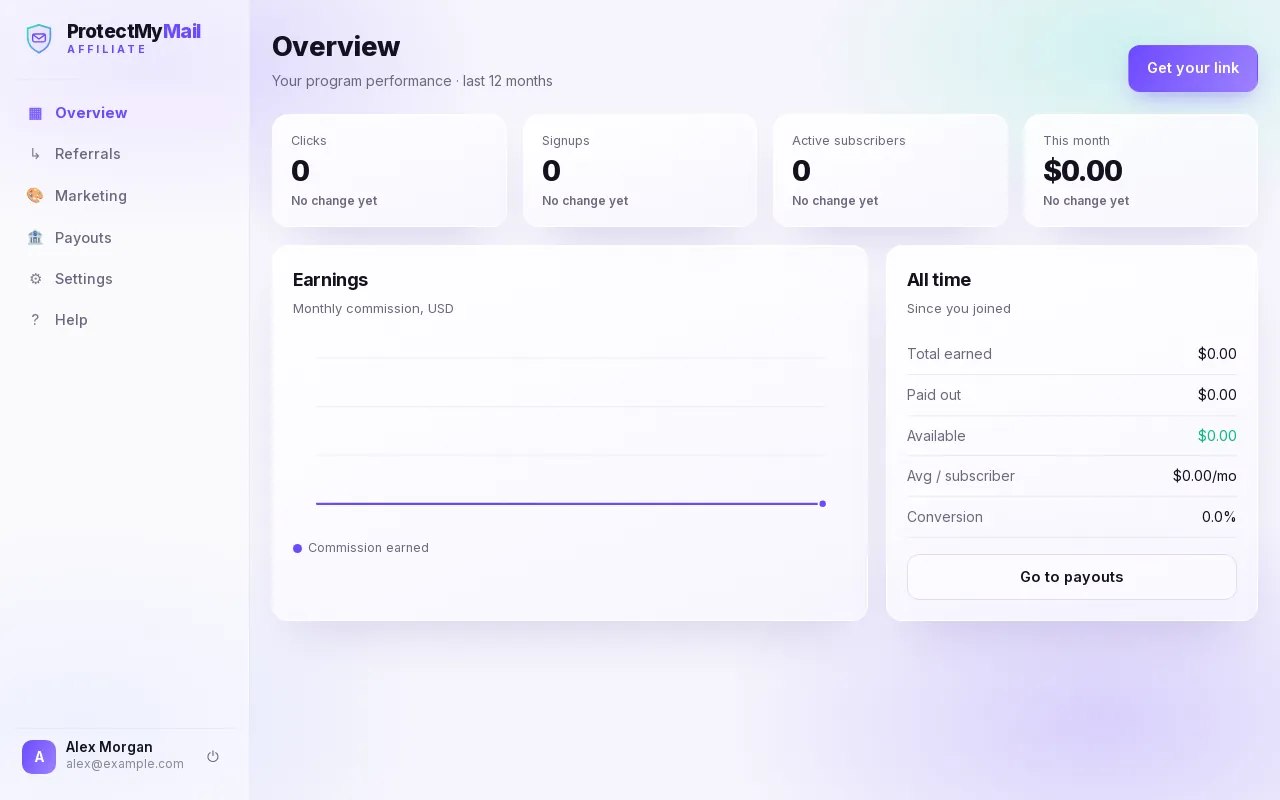
Clicks: how often your referral link was opened. Signups: people who created and confirmed a ProtectMyMail account through your link. Active subscribers: referred customers who are paying right now. This month: the commission you earned in the current month.
The Earnings chart shows your commission per month, and the panel next to it adds up everything since you joined: total earned, paid out and available to withdraw.
Where do I see the customers I referred?
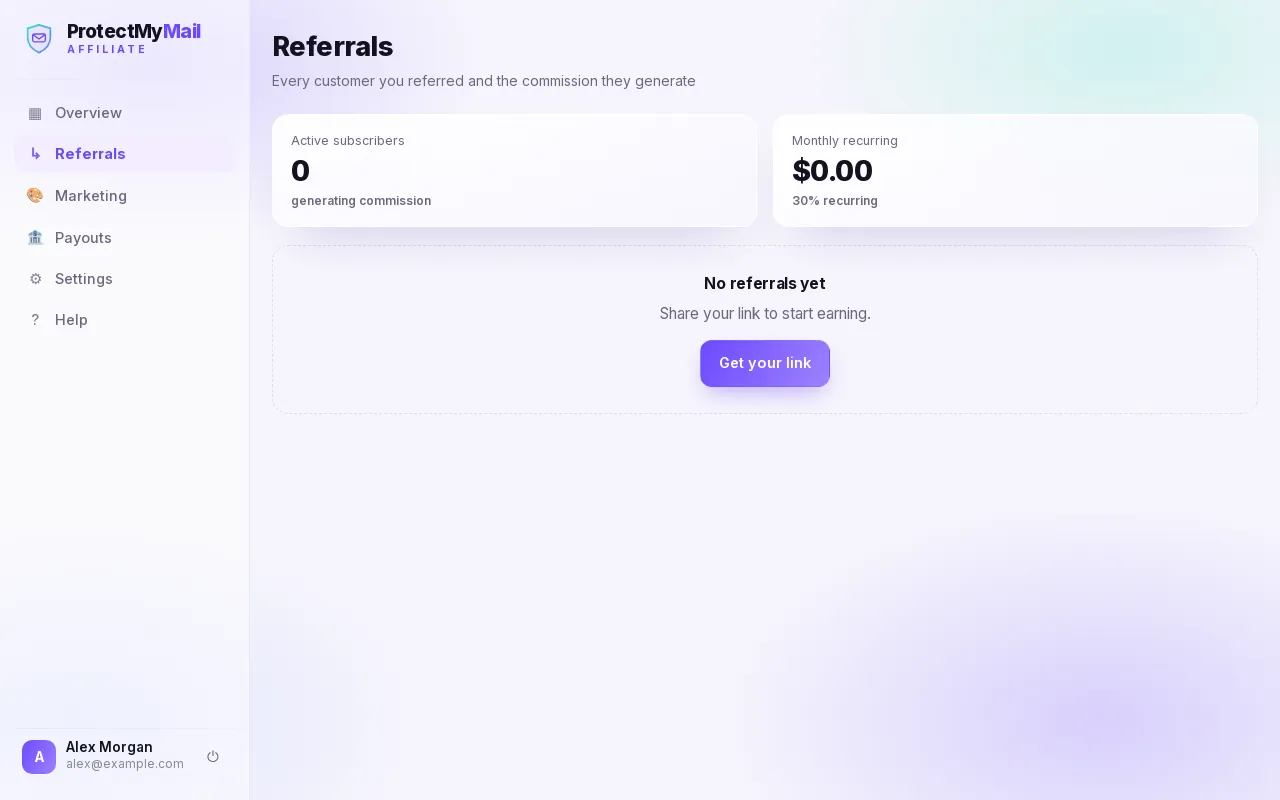
Open Referrals. You see every customer you referred with their plan, the date they joined, their status (trial, active or cancelled) and the commission they bring you each month.
To protect their privacy, customers are shown with a shortened email address only. Monthly recurring is the commission you currently receive every month from your active subscribers.
Where do I find my referral link and banners?
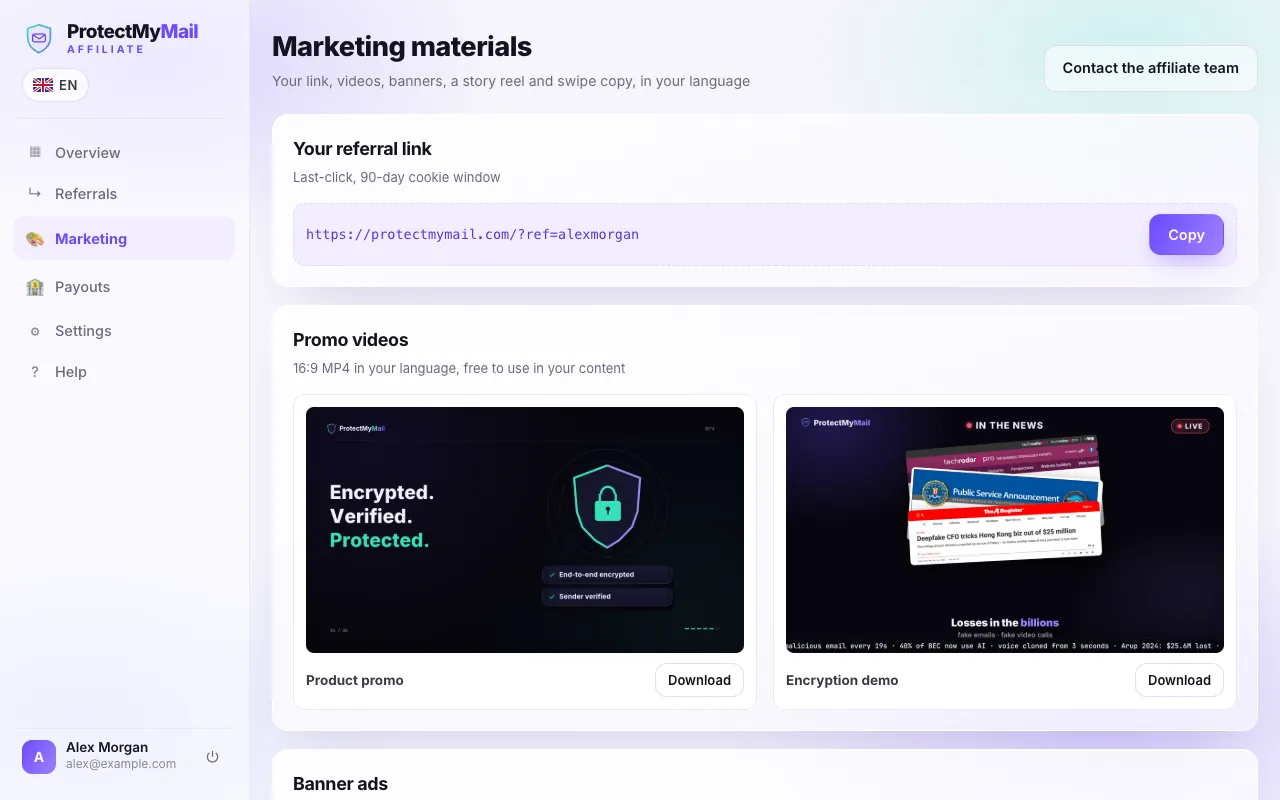
Open Marketing. At the top is your personal referral link: click Copy and share it wherever your audience is.
Below it you find promo videos, banners in the common ad sizes, a story reel and email and social swipe copy, all in the language you use the portal in. Every file has its own Download button. Questions? Contact the affiliate team at the top writes to affiliate@protectmymail.com.
A referral counts when someone opens your link and then creates and confirms a ProtectMyMail account within 90 days. If they clicked links from several affiliates, the last click counts.
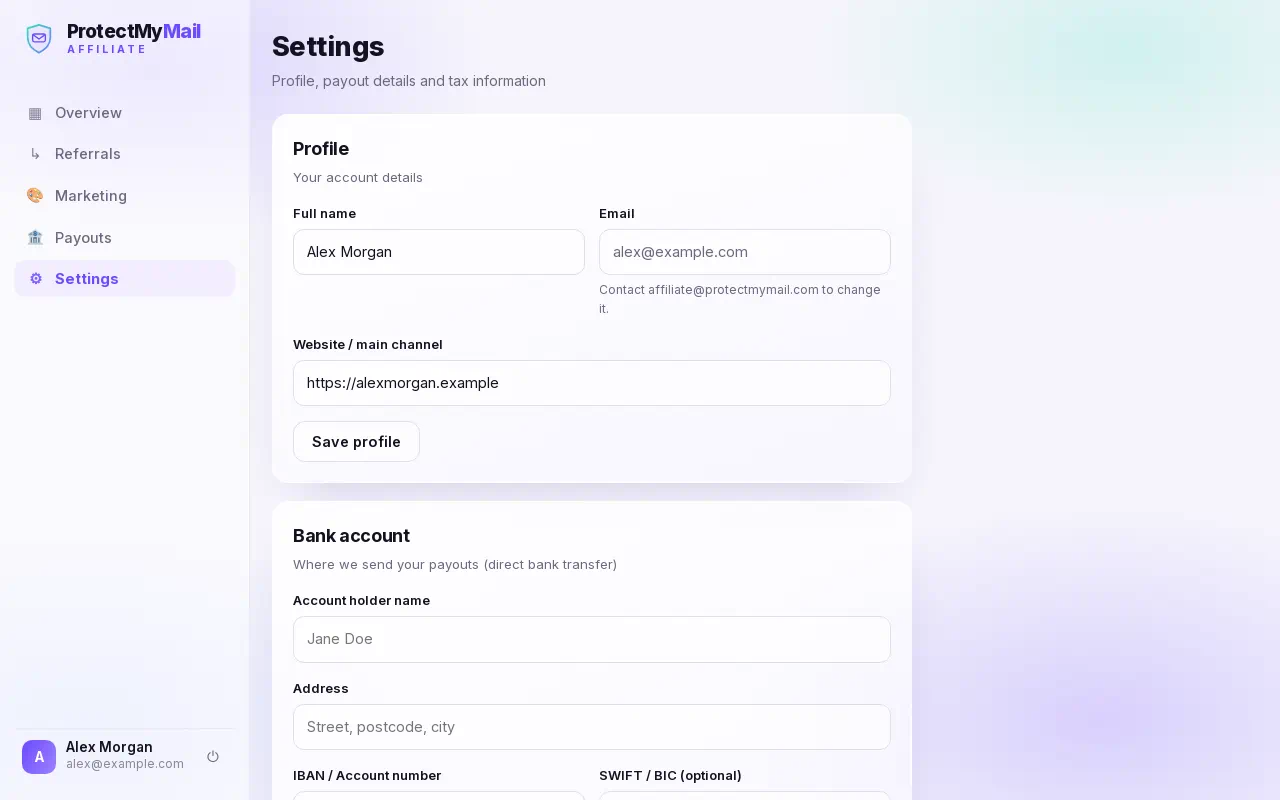
What do I set up in Settings?
Profile: your name and website. To change your email address, write to affiliate@protectmymail.com.
Bank account: where we send your payouts by direct bank transfer. Enter the account holder's name exactly as your bank has it. For your security, saved bank details are never shown again, only a masked version.
Tax information: choose individual or company and add your VAT or tax ID if you have one. This is required before your first payout.
Commission and payouts
How is my commission calculated?
You earn 30% recurring commission: 30% of every payment a referred customer makes, for as long as their subscription stays active. For example, a customer on the $5/month plan earns you $1.50 every month they pay.
Commission is calculated on the amount we actually receive, without taxes such as VAT and without refunded amounts.
There is no commission for free trials that never turn into a paid subscription, or for your own accounts.
When can I withdraw a commission?
Each commission becomes available 30 days after the payment it is based on. This refund hold covers refunds and chargebacks.
If a payment is refunded, the commission for it is reduced. If that commission was already paid out, the difference is deducted from your next payout.
How do I request a payout?
You can withdraw as soon as your available balance reaches $50. Payouts are made in US dollars by bank transfer.
- In Settings, add your bank account and your tax information. You only do this once.
- Open Payouts. At the top you see your available balance and how much is still missing to the $50 minimum.
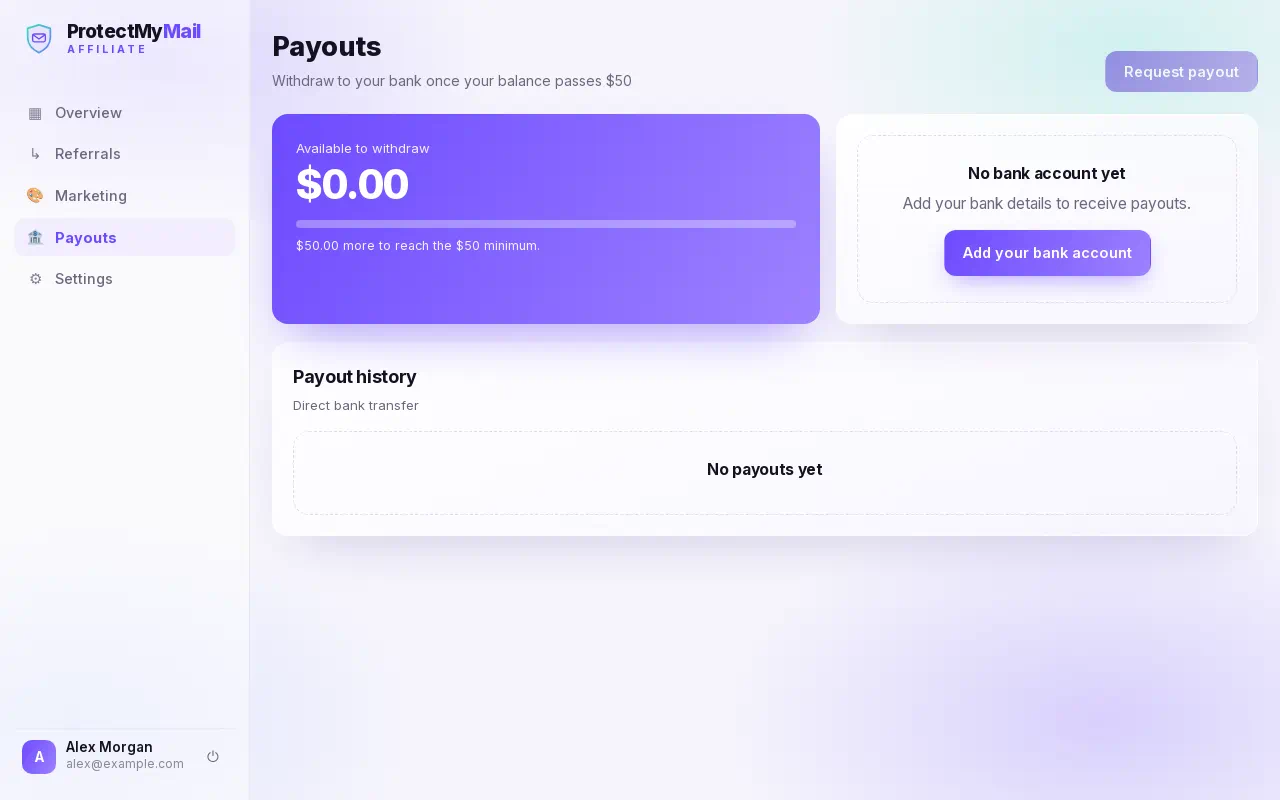
- Click Request payout. The request appears in your payout history.
- We aim to pay within 30 days. You get an email as soon as the transfer is on its way.
What happens after my payout is sent?
When we send your payout, you get an email with the amount, the method and a reference. A bank transfer usually arrives within 1 to 3 business days.
You can always check the status under Payouts, in the payout history.
Rules and support
Do I have to say that I earn a commission?
Yes. Whenever you recommend ProtectMyMail with your link, say clearly that you earn a commission, for example with "affiliate link" or "#ad". Consumer and advertising law requires this in most countries.
Describe ProtectMyMail truthfully and only make claims we make ourselves. No spam, and no search ads that bid on the ProtectMyMail name.
Can I use my own link?
No. Sign-ups from your own accounts, or from accounts you control, do not earn commission. The same goes for fake accounts, bots and any other referrals that are not genuine.
Breaking these rules can cost you the related commission and your affiliate account.
Why are the Affiliate Program terms in English?
The Affiliate Program terms (version 1.1) are a legal text, so there is one binding English version for every language. This help guide explains the main points in your language, but the terms decide.
How do I contact the affiliate team?
Write to affiliate@protectmymail.com. Please use the email address of your Affiliate Partner account, so we can find it quickly.
You can also close your affiliate account at any time by writing to the same address.
Still have a question?
Write to the affiliate team at affiliate@protectmymail.com. Please use the email address of your Affiliate Partner account, so we can find it quickly.
Ready to join?
Joining the ProtectMyMail Affiliate Program is free and takes about two minutes.